AI Sprite Generator
Create sprite drafts, four-frame sheets, and short animation strips. Then inspect the real PNG dimensions, transparency, and frame grid before importing it into your game.
First single sprite: no signup · Free account: 3/day · Files are processed locally before download
Generate a sprite draft
Describe a single subject with its view angle, silhouette, palette, and intended role. The target size is the final PNG export size.
Try a preset:
0/500
Downloads as a transparent PNG at your selected target size. The AI generates a clean source image first, then exports it with crisp nearest-neighbor scaling.
Selected Outputs With Exact Prompts
These are selected gallery outputs, so they are not a random quality sample. The raw prompt is shown under every image and output will vary.
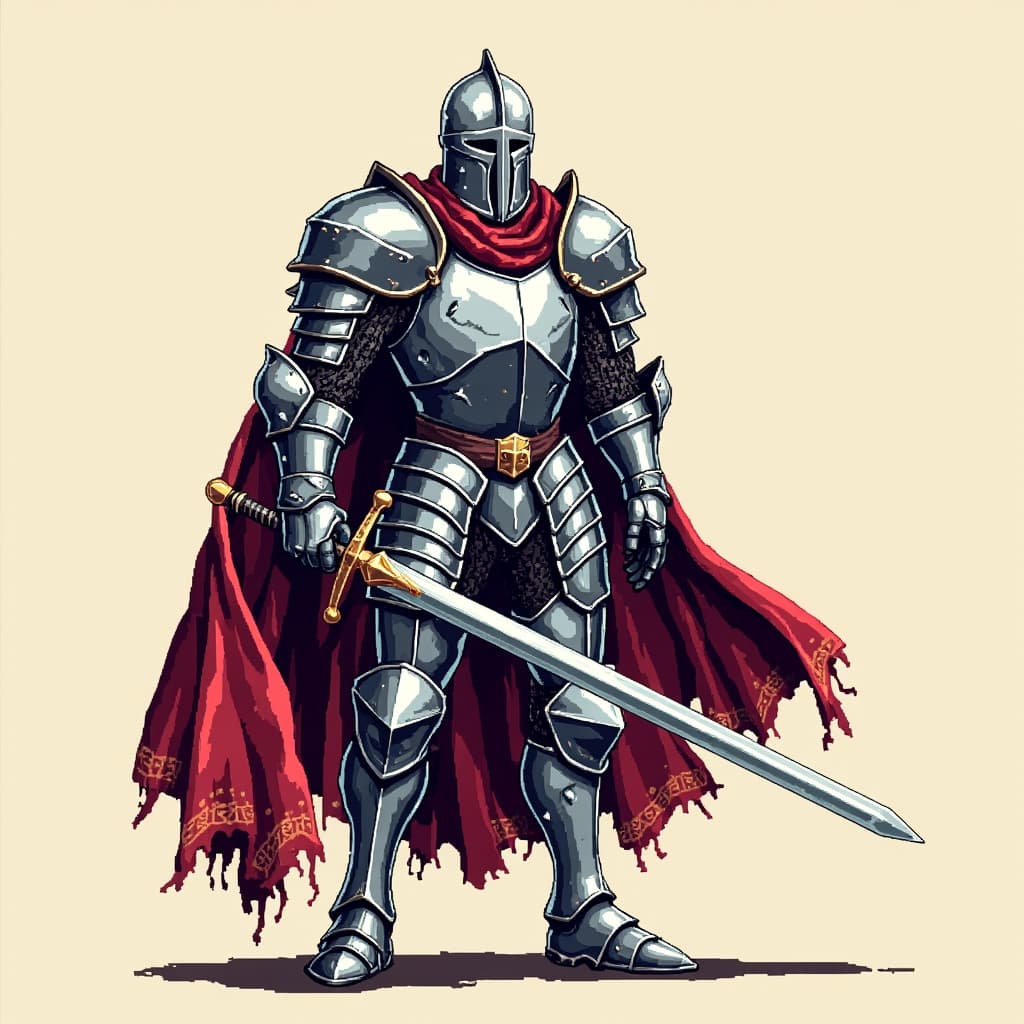 Hero
Hero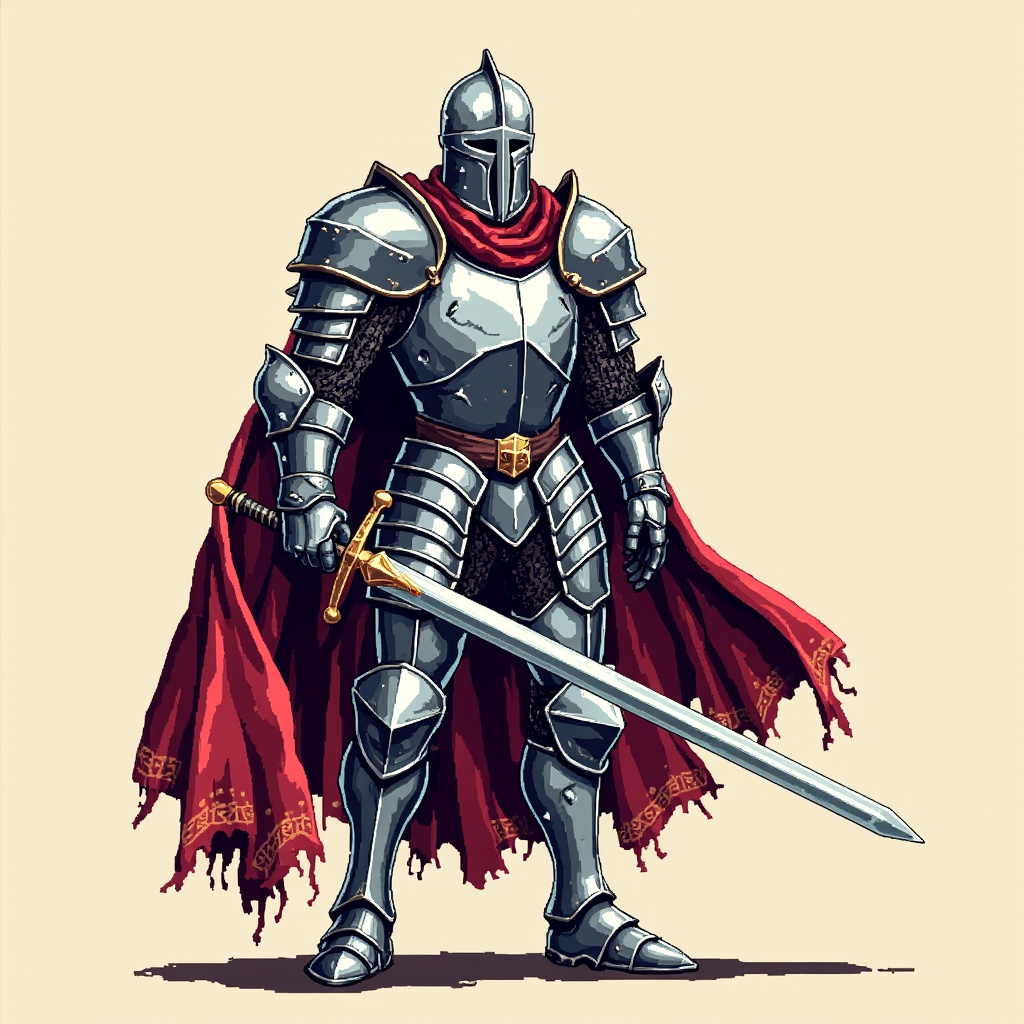
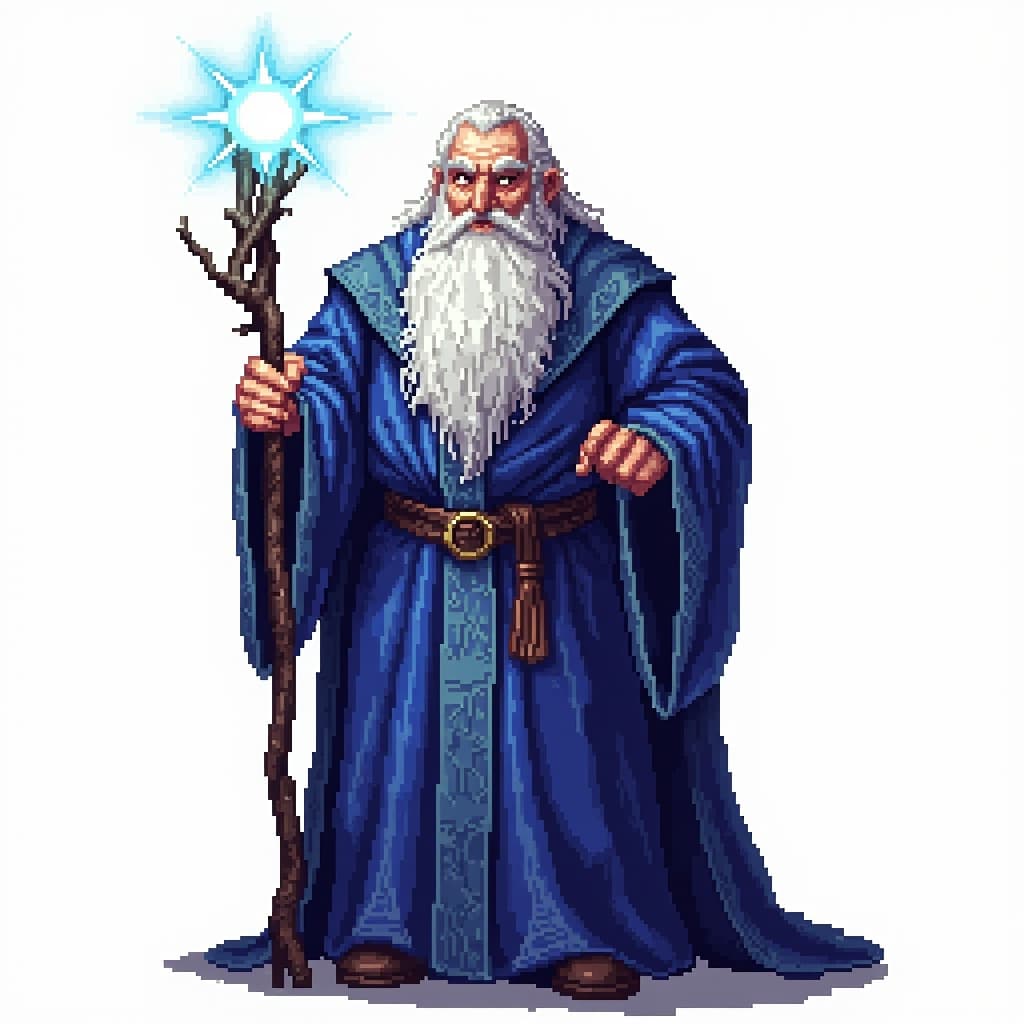 Hero
Hero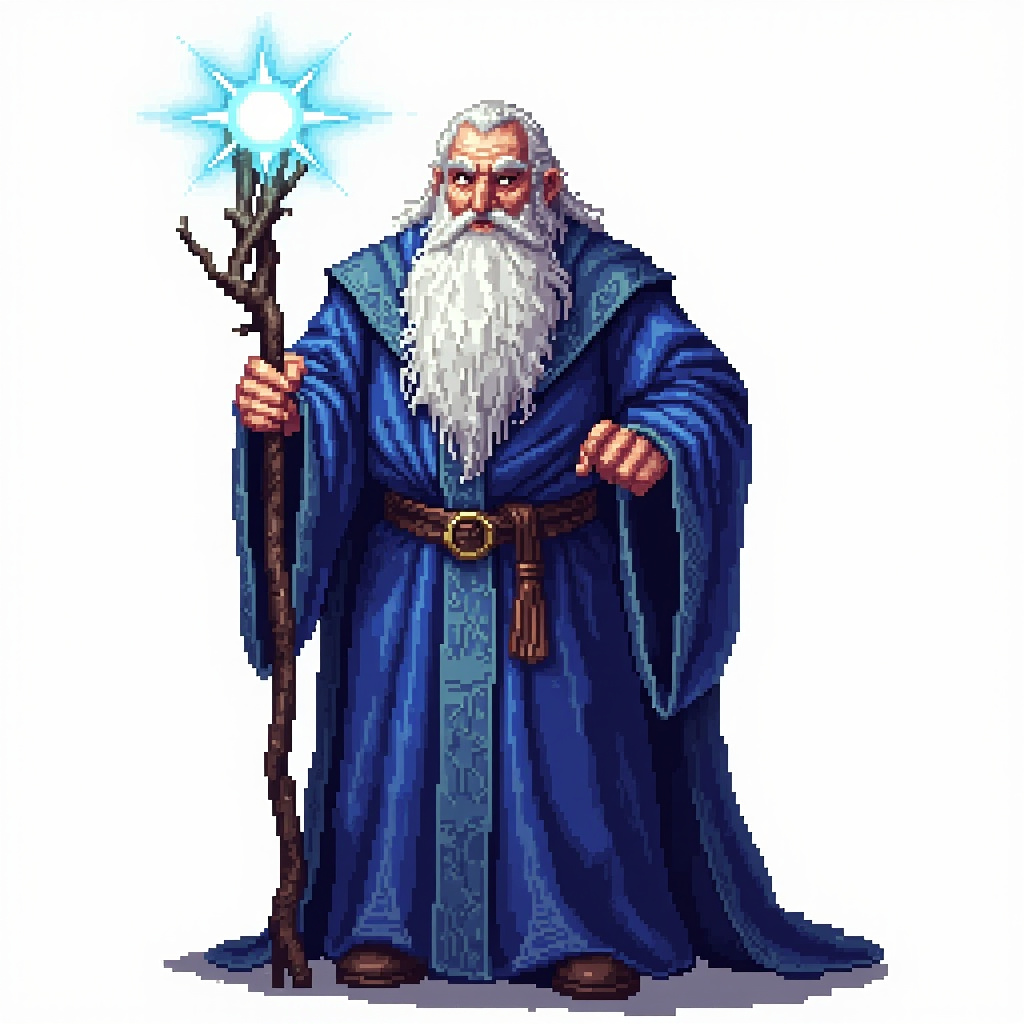
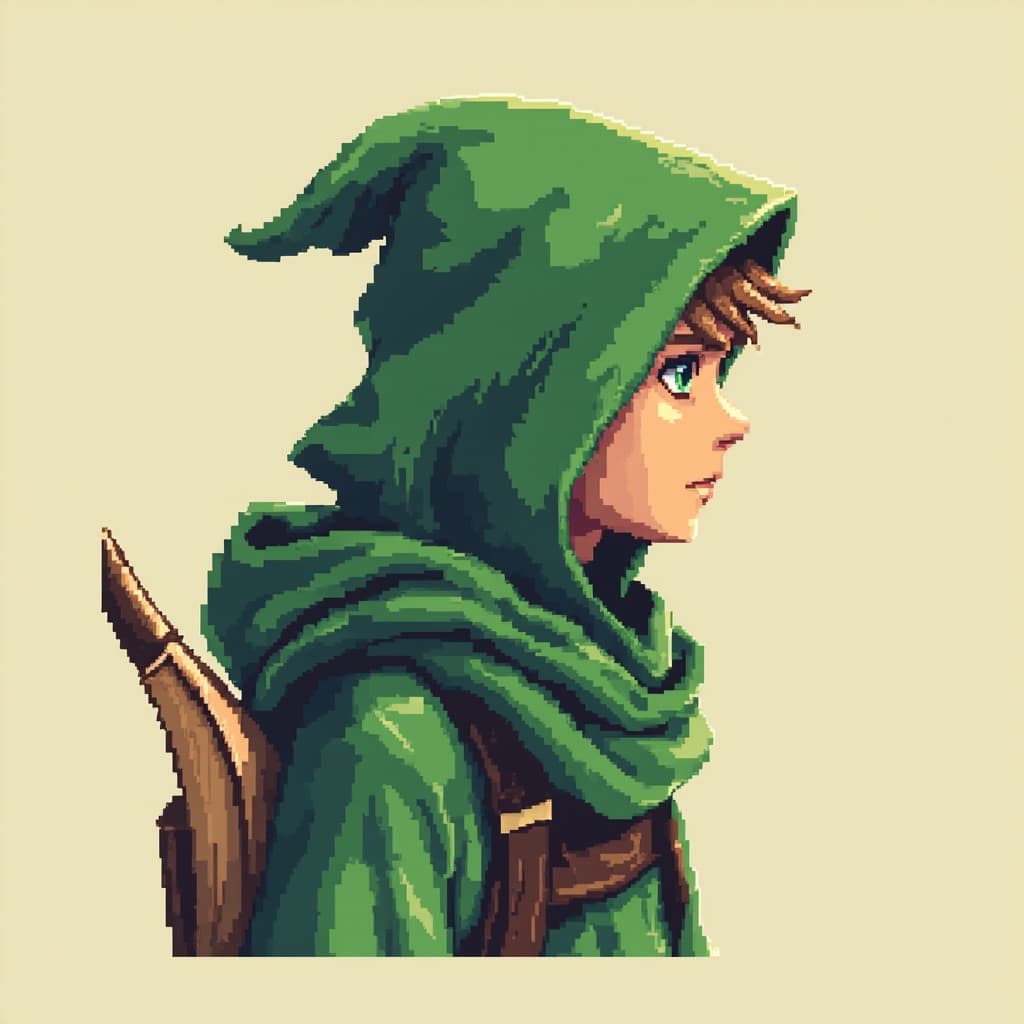 Hero
Hero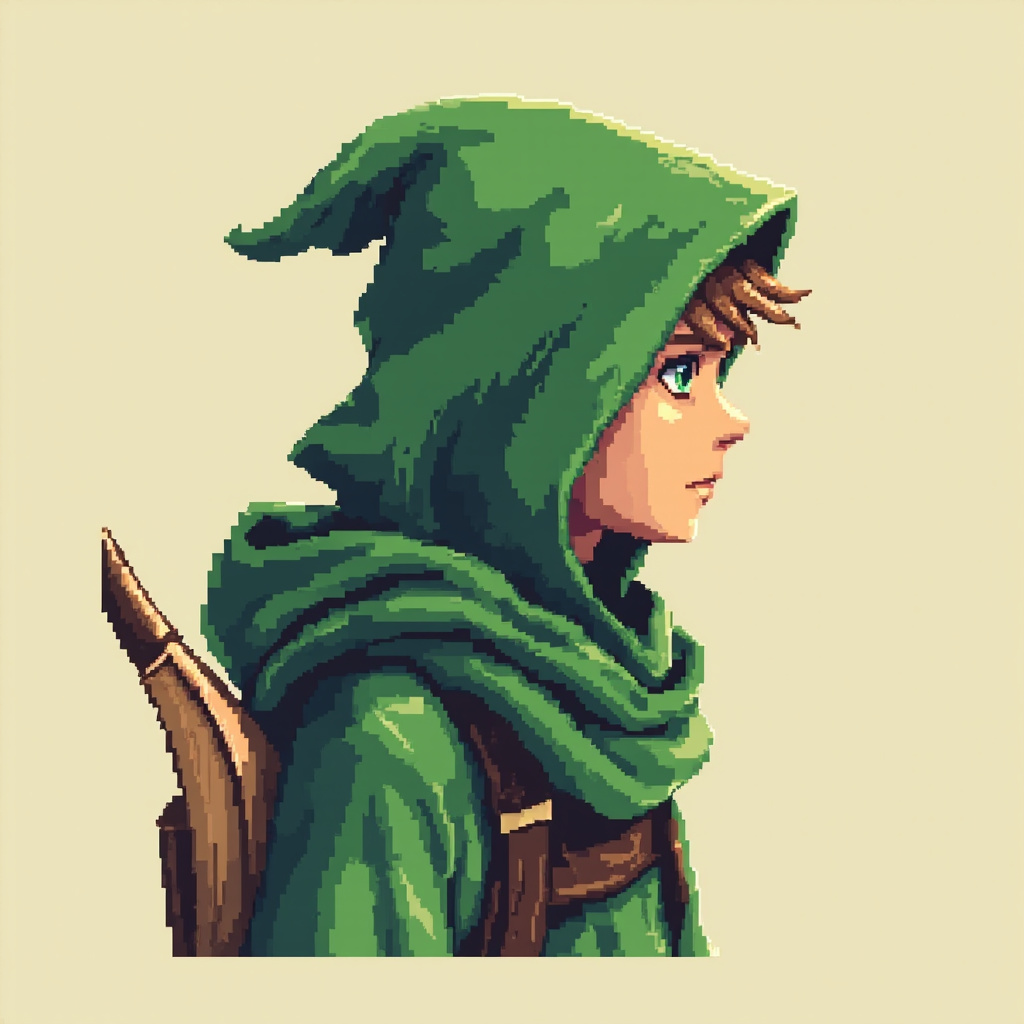
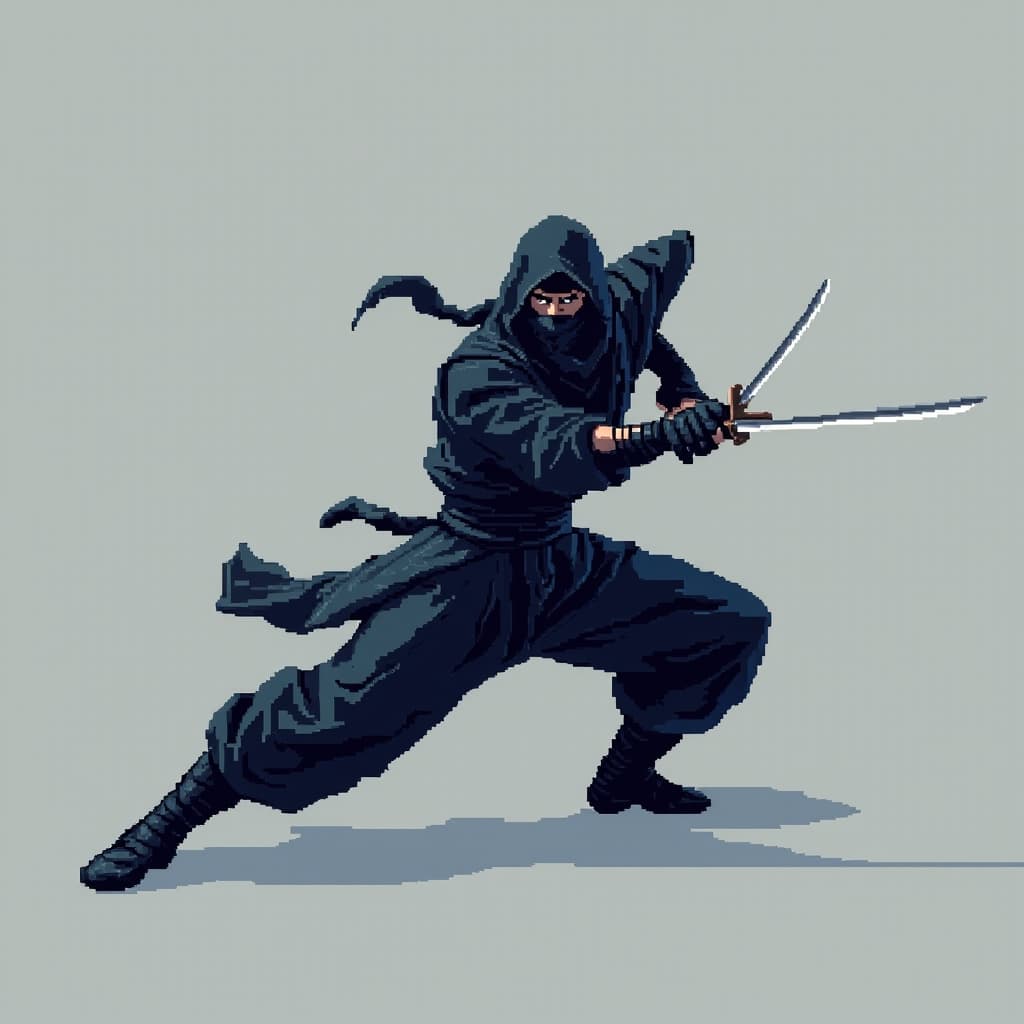 Hero
Hero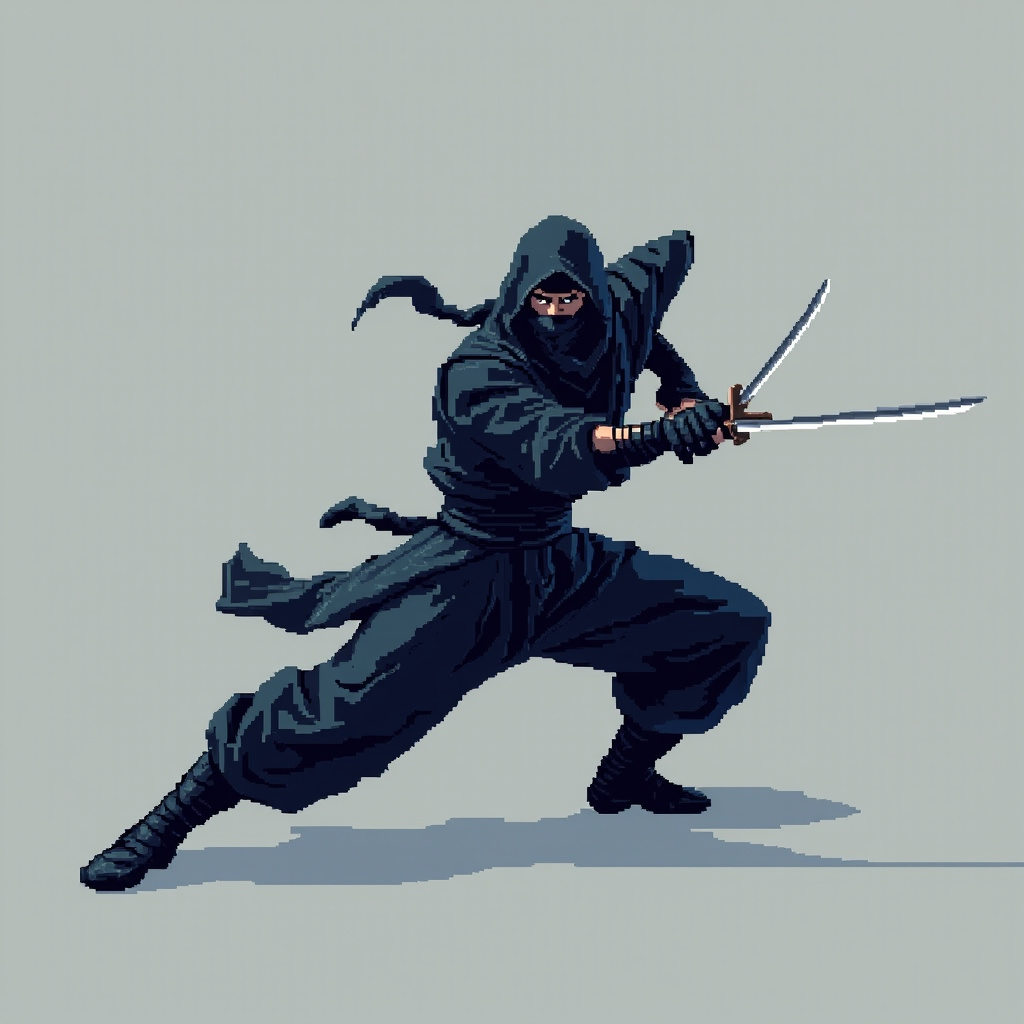
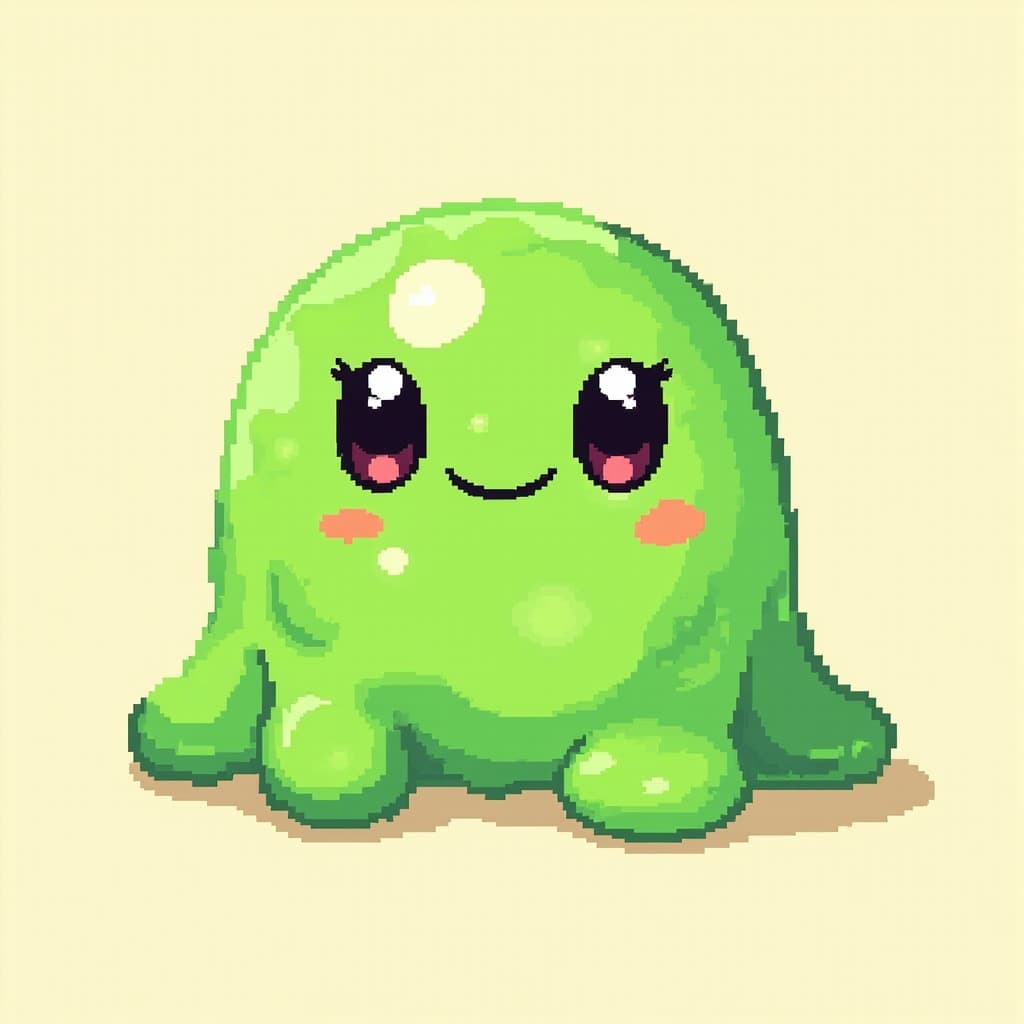 Enemy
Enemy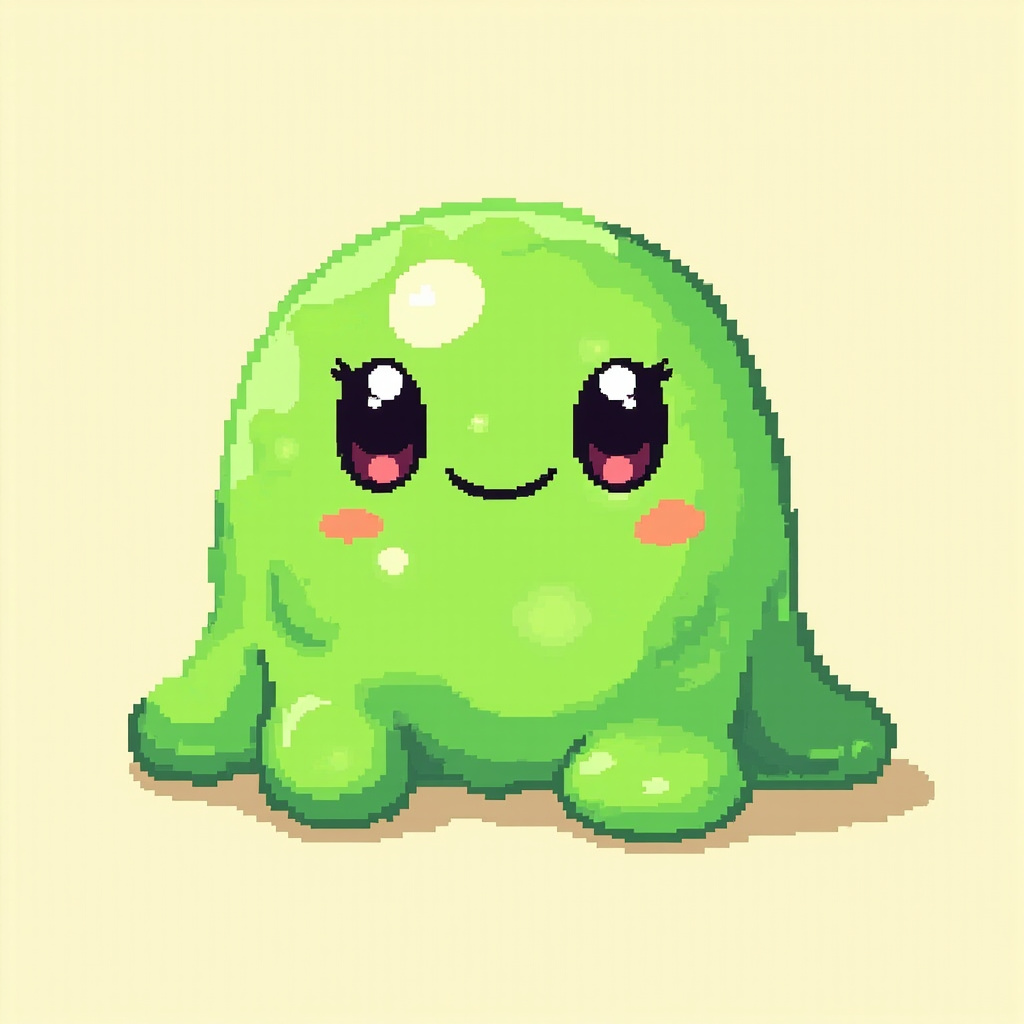
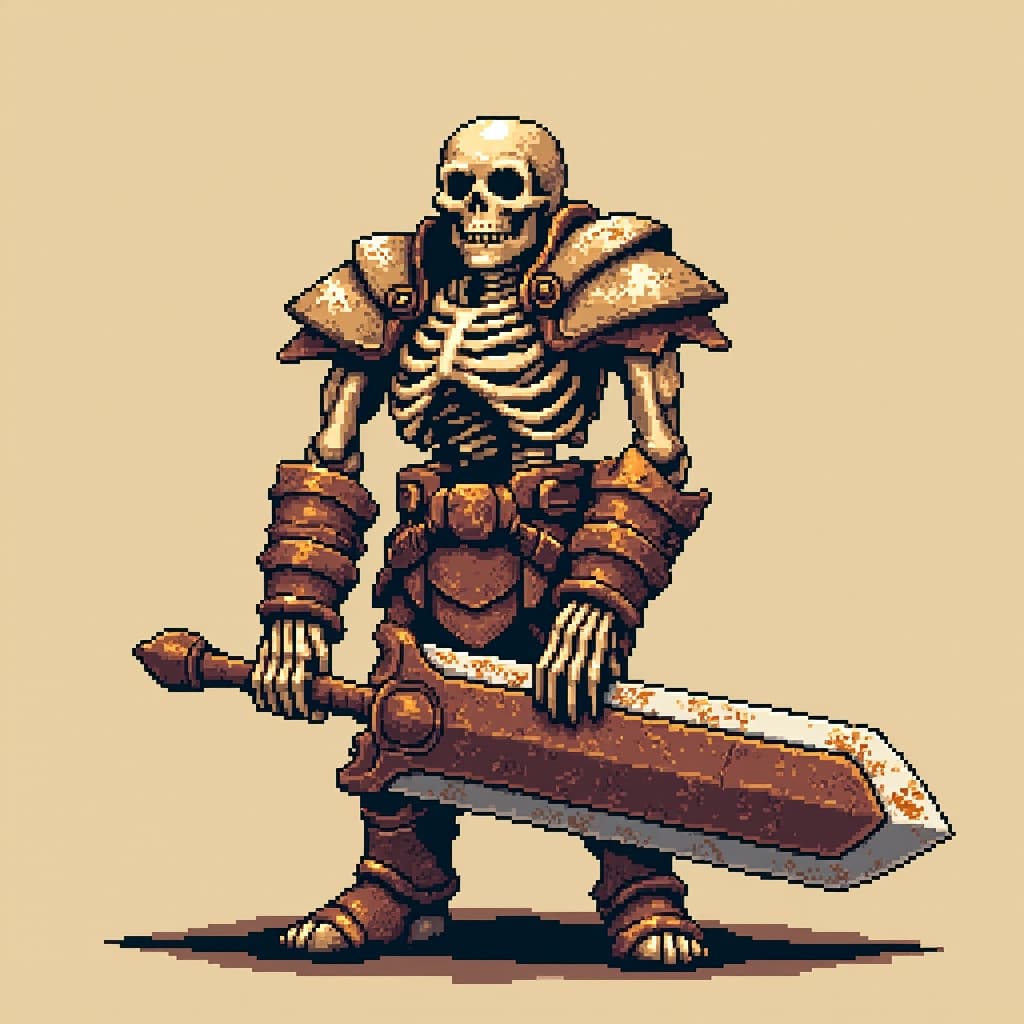 Enemy
Enemy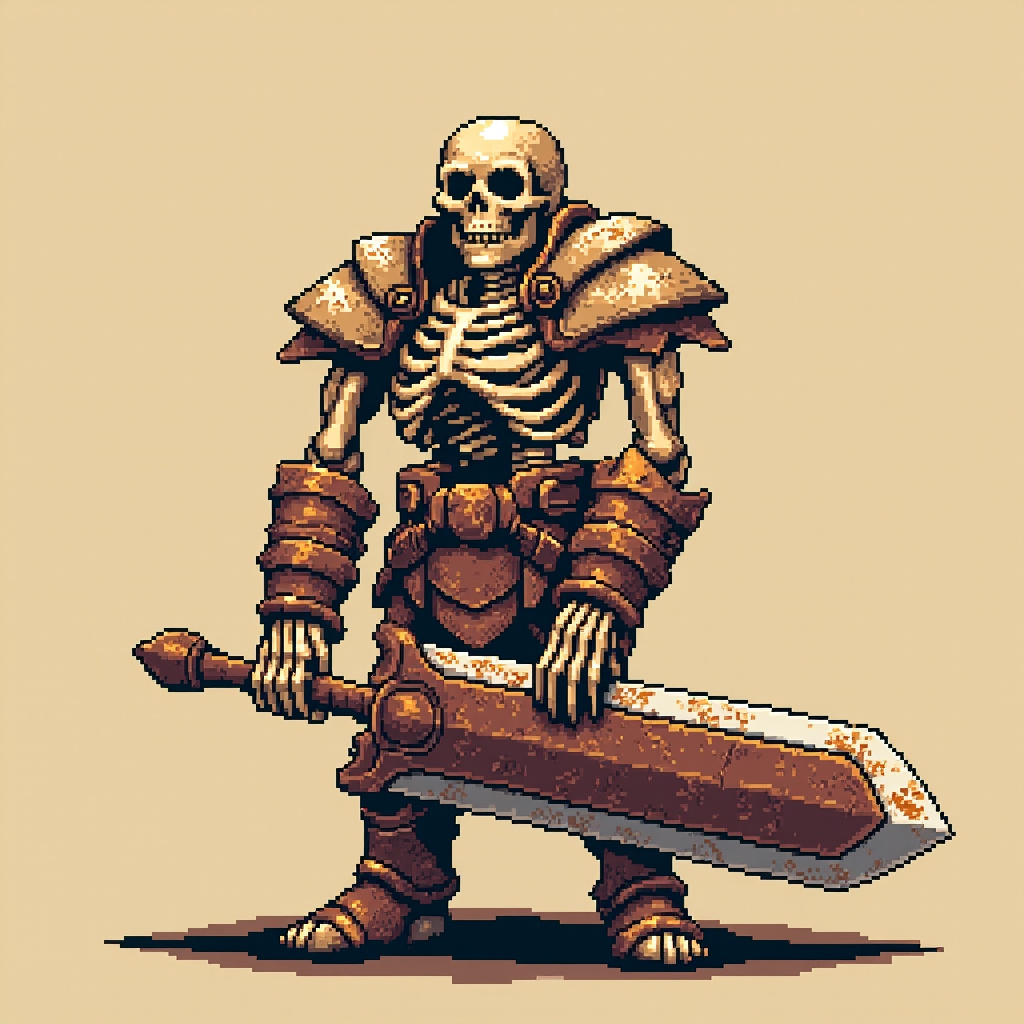
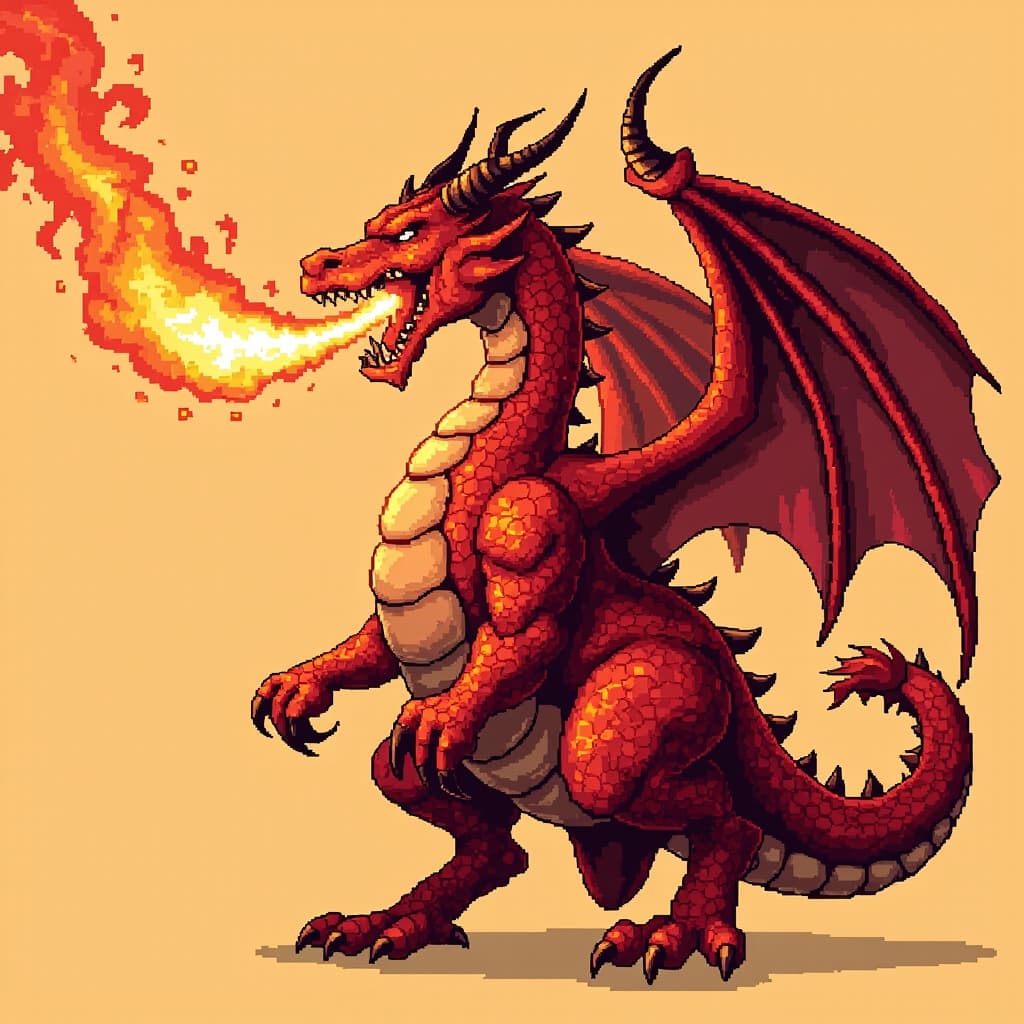 Enemy
Enemy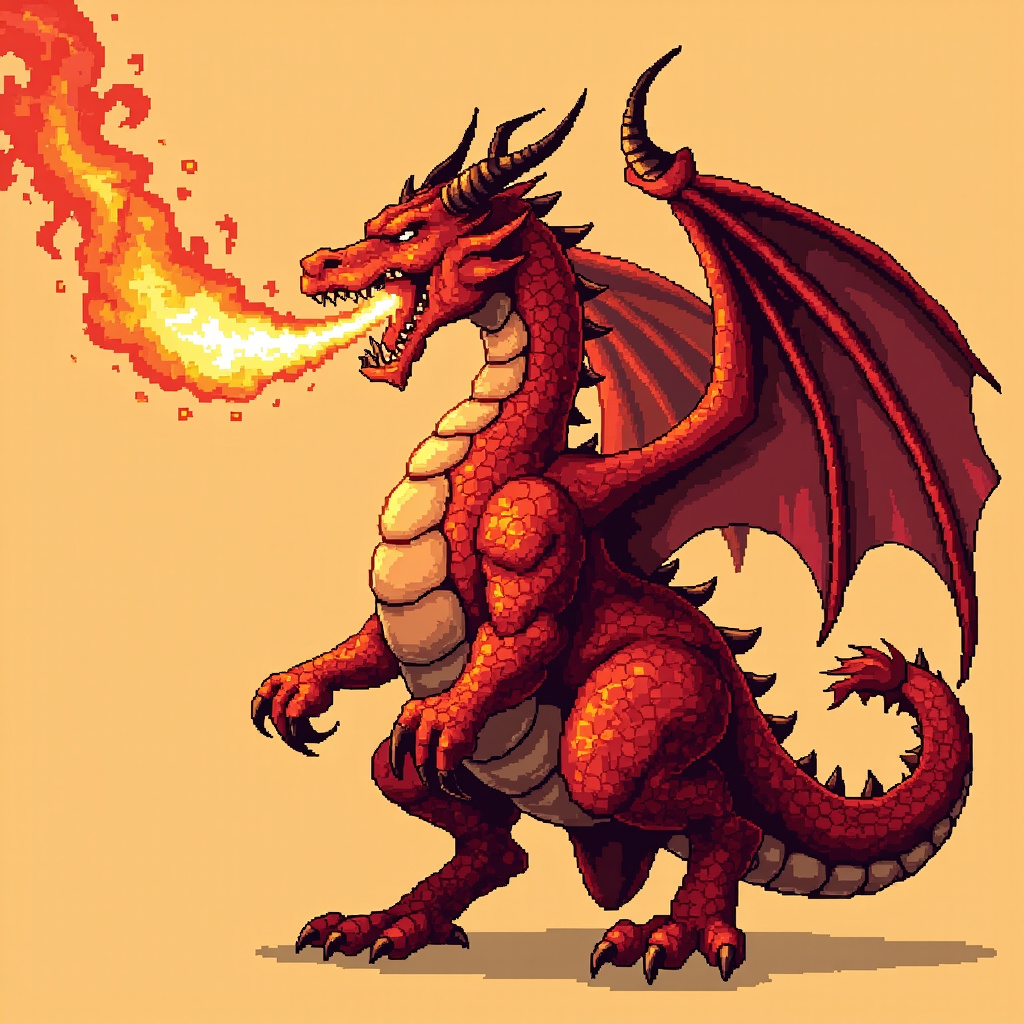
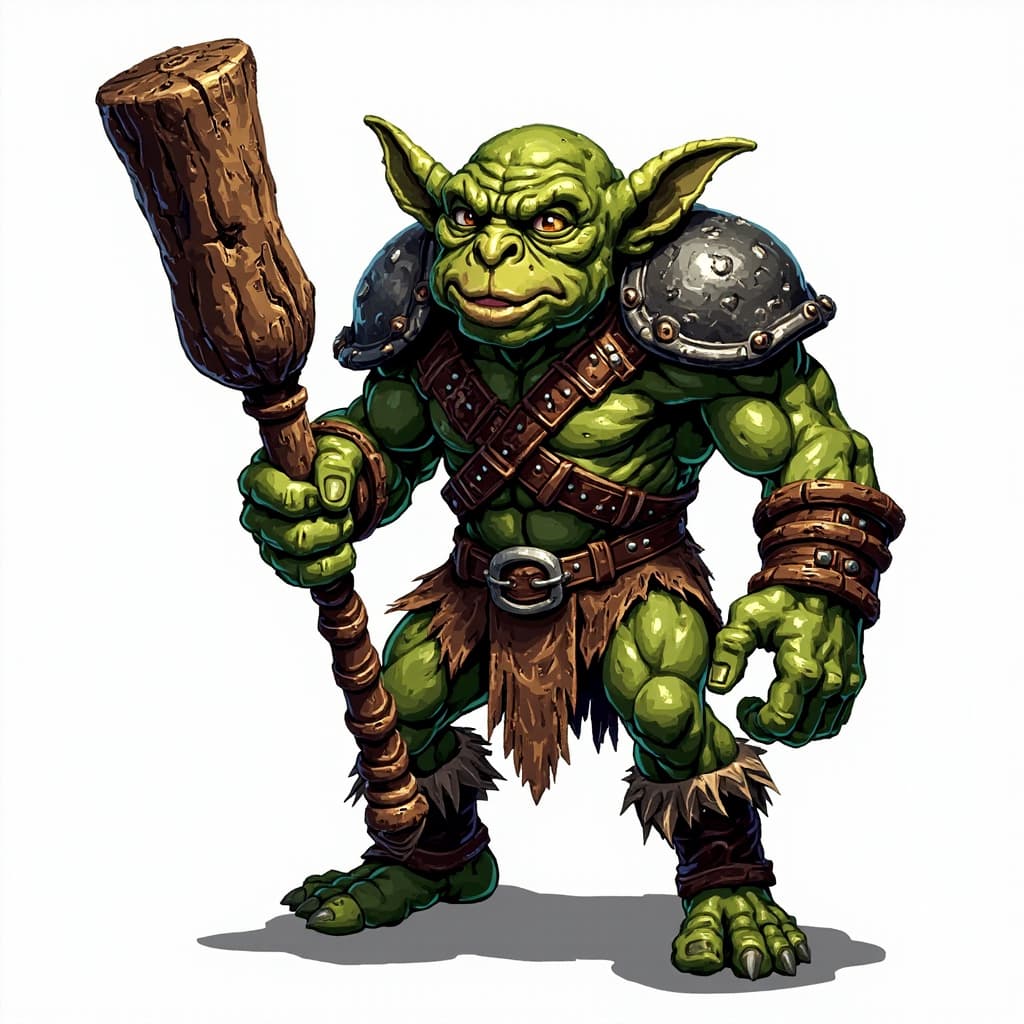 Enemy
Enemy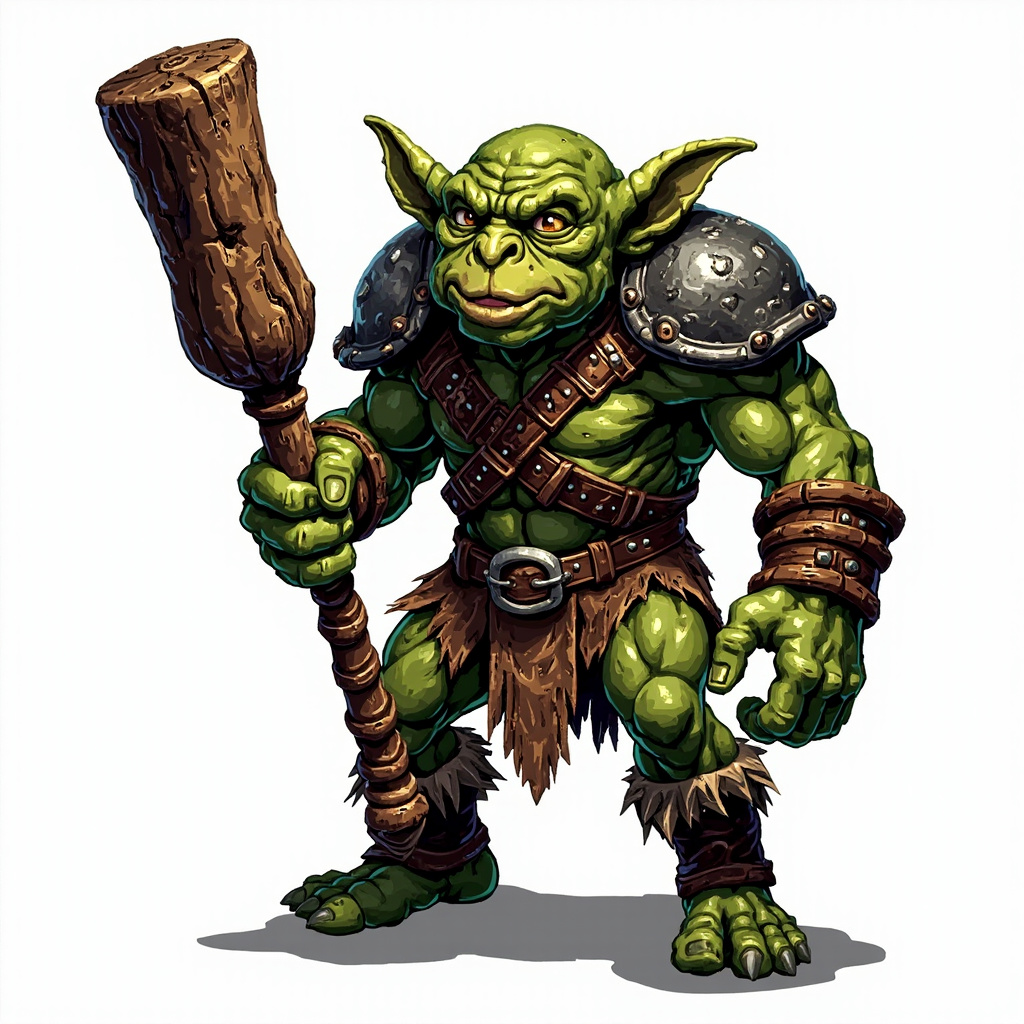
Three distinct generation workflows
Each page below changes the actual output path, not just the page title or prompt preset.
1 frame · free to try
Single Sprite / Image Reference
Generate from text or upload a reference image. The browser exports a 32, 64, 128, or 256px PNG.
4 frames · Pro or 4 credits
2 × 2 Sprite Sheet
Create four related poses, process each background, and stitch the frames into one regular grid.
4 frames · Pro or 4 credits
4 × 1 Animation Strip
Generate a short walk-cycle draft in a horizontal strip and preview the loop before download.
From prompt to checked file
Describe the asset
Name one subject, the camera angle, action, palette, and target use.
Generate the source
The model returns a square source image. Results vary between runs.
Process in browser
The browser downsizes, attempts background removal, and exports PNG.
Run QA
Verify alpha, grid division, frame order, and actual appearance at 100%.
Free utility · no upload
Do not guess your frame grid
Open any PNG, JPG, or WebP in the Sprite QA Lab. It calculates frame dimensions, warns when rows or columns do not divide evenly, previews the loop, exports an individual frame, and shows matching Unity, Godot, Phaser, and RPG Maker settings.
Frequently asked questions
Can I try the sprite generator without signing up?
Yes. One anonymous single-sprite generation is available in the browser. A free account gets three single-frame generations per day. Four-frame sheets require Pro access or four purchased credits.
Does every download have a perfect transparent background?
The browser attempts to remove a plain, edge-connected background and exports PNG. Complex backgrounds, glow, shadows, and subjects touching the edge can leave artifacts, so check the result over both light and dark backgrounds.
What does the 32, 64, 128, or 256px size setting mean?
The AI first generates a larger square source. The browser then downsizes each frame to the selected target with smoothing disabled. The setting controls the exported frame dimensions; it does not guarantee traditional hand-placed pixel art at the source stage.
Can I use an output in a commercial game?
Our Terms allow personal and commercial use of generated outputs. You are still responsible for avoiding prompts or references that infringe someone else's intellectual property and for reviewing an output before release.